 VibeFluid
Water Ripple
Touch-reactive water over a pond, your own photo or a scene, with light that bends through the waves.
Ripples that follow your finger, a sky that shows your real weather, light that pulses to your music, your own photo in 3D as you tilt the phone, and 76 scenes that follow the sun. Twelve live wallpapers, built to stay easy on the battery.
8 wallpapers free · 4 one-time unlocks · No ads · No account
Tip: touch or move over this area.
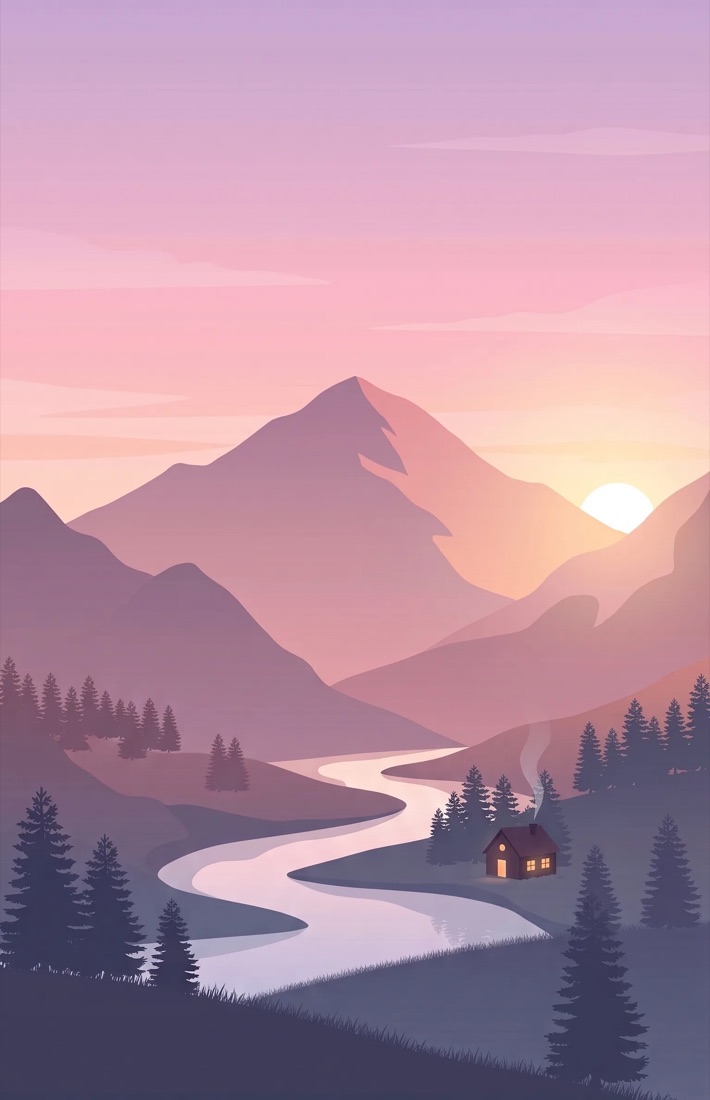
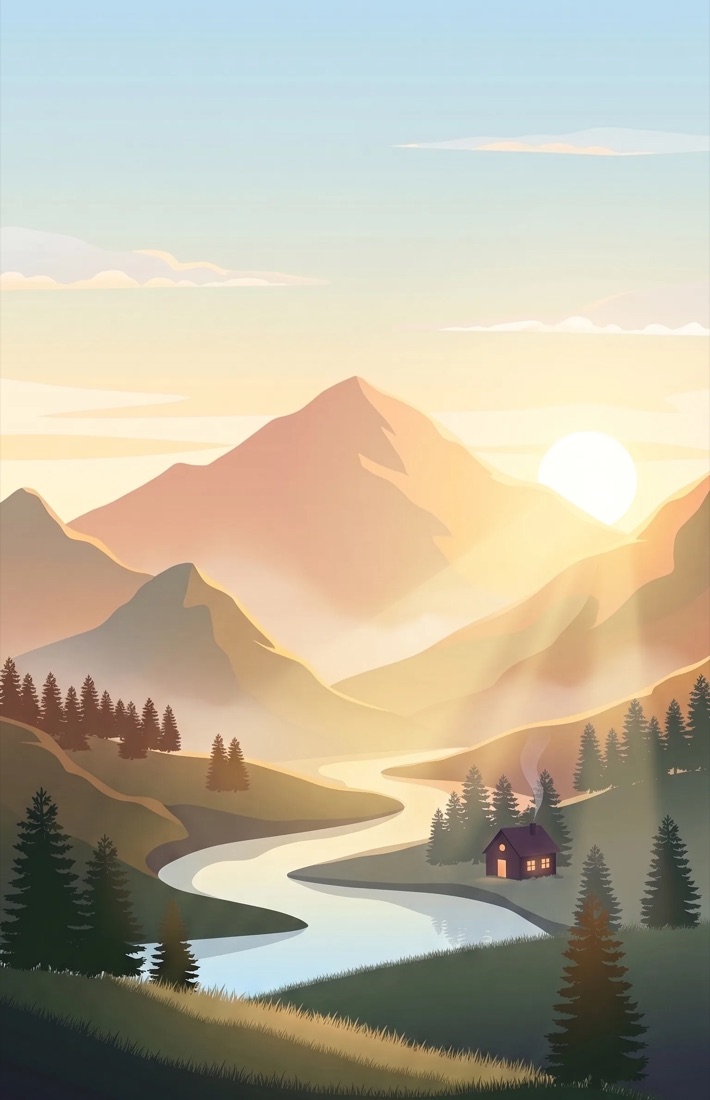
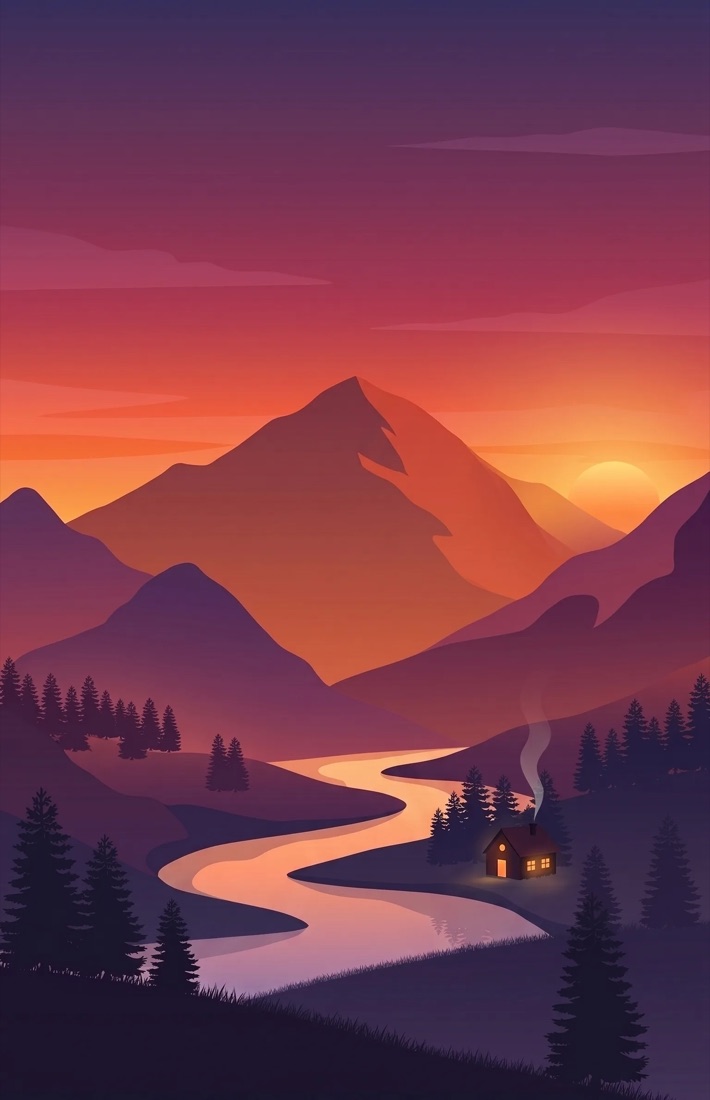
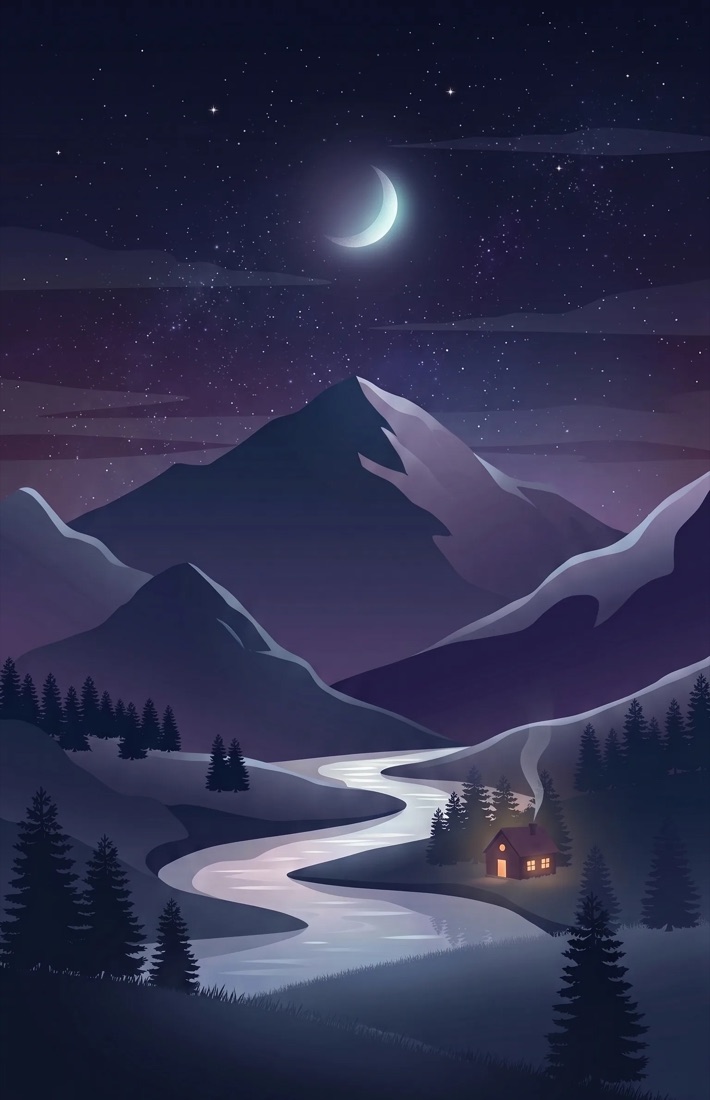
Every one is interactive or alive in some way, and you can preview each full screen before you set it.
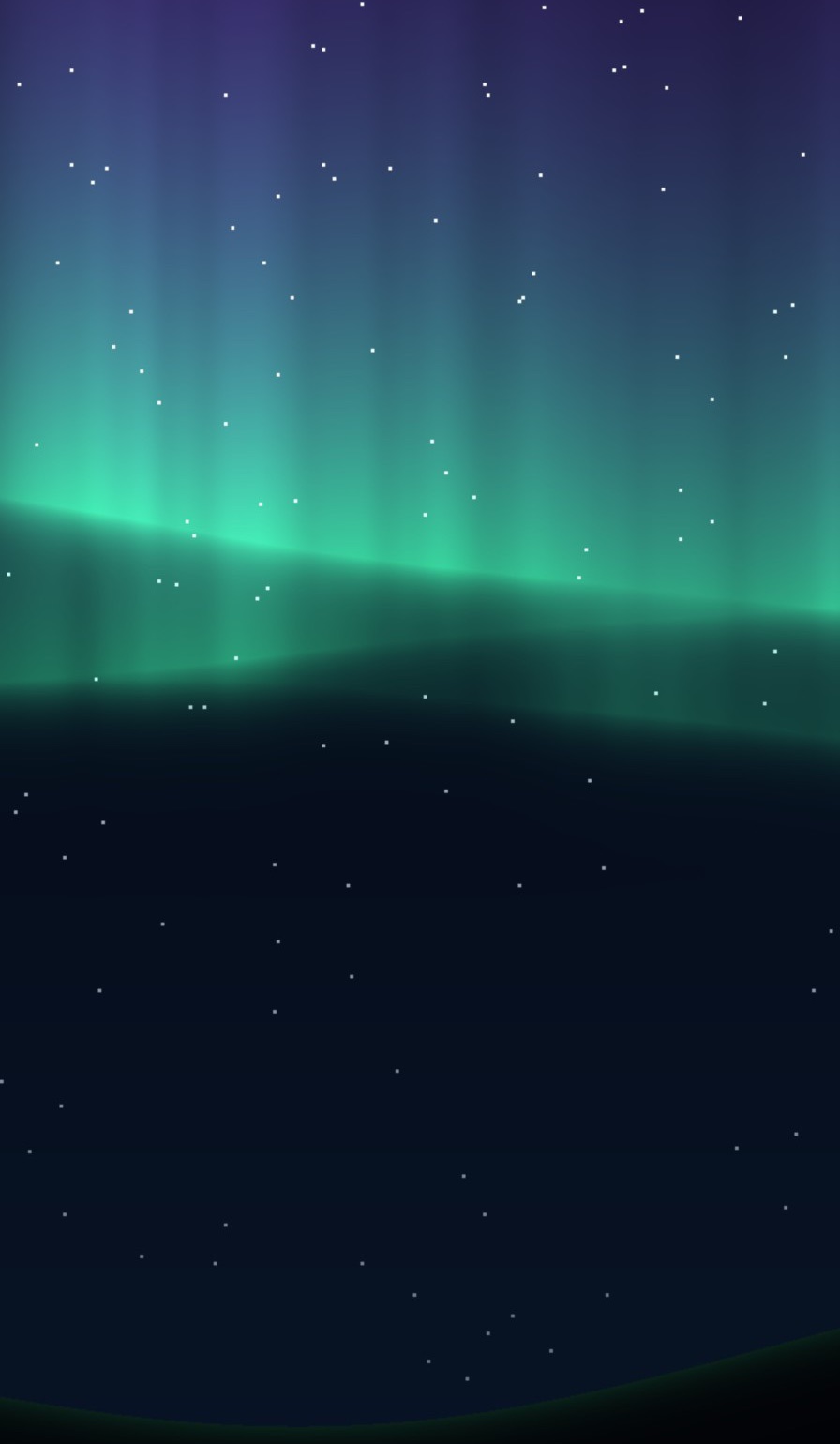
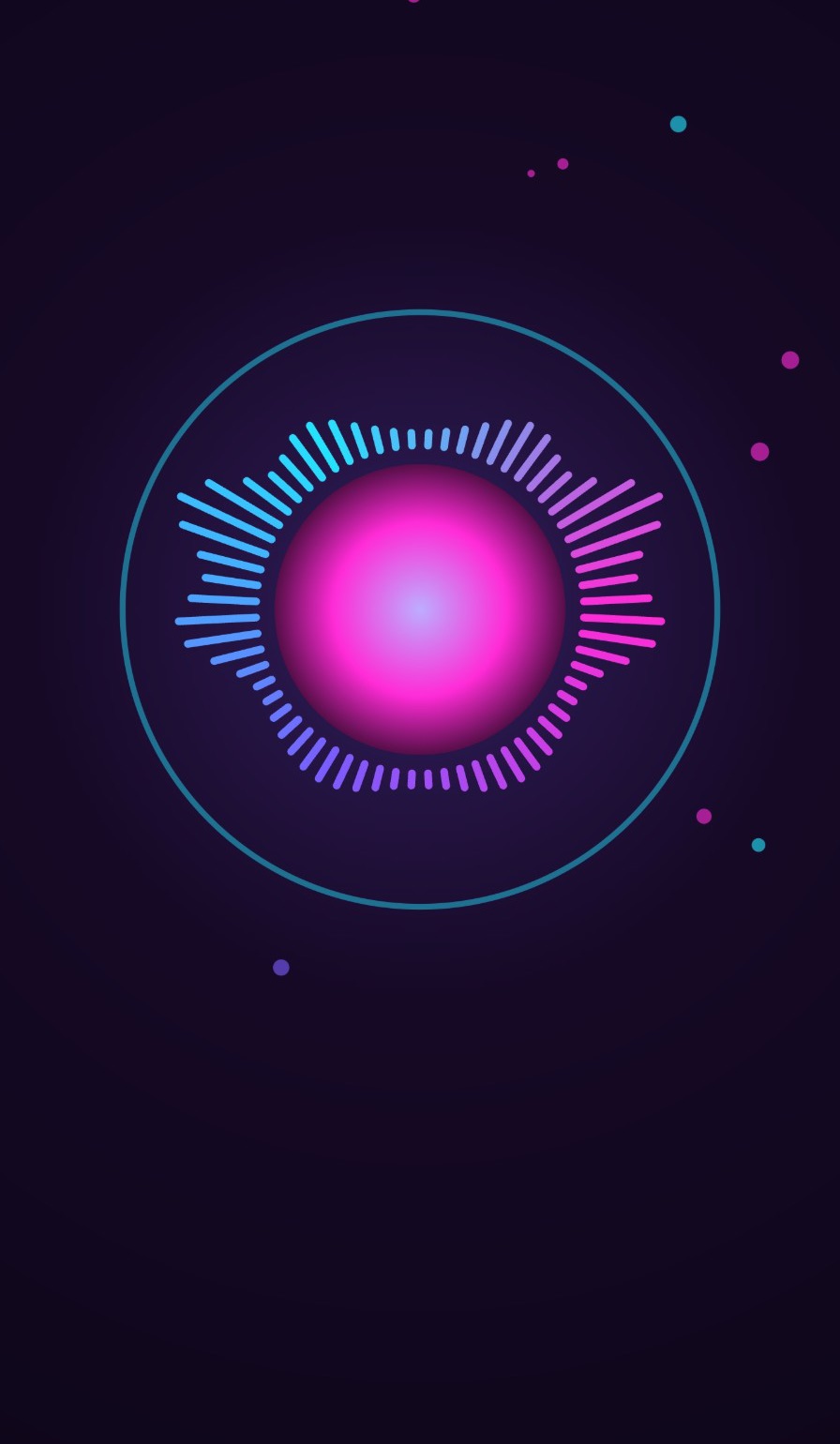
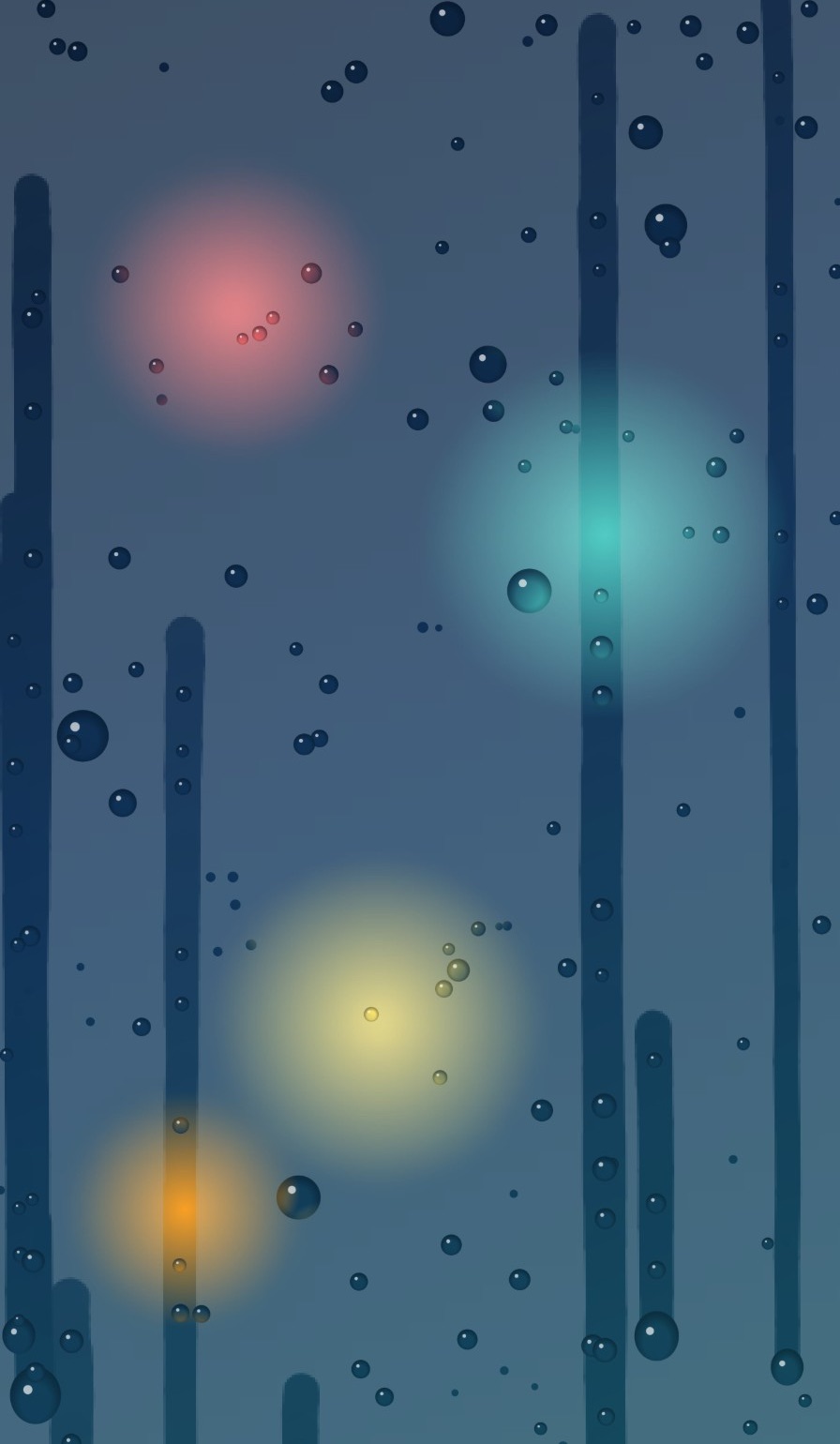
Touch-reactive water over a pond, your own photo or a scene, with light that bends through the waves.
A landscape that moves from dawn to night with the clock. Pick from 76 scenes, and new ones arrive without an update.
Raindrops run down a fogged window over your photo or a scene. Swipe to wipe the glass clear.
Northern lights drift across the sky. Tap to send a pulse through them. Three colour themes.
Warm wax rises, merges and splits. Touch the lamp to release a bubble.
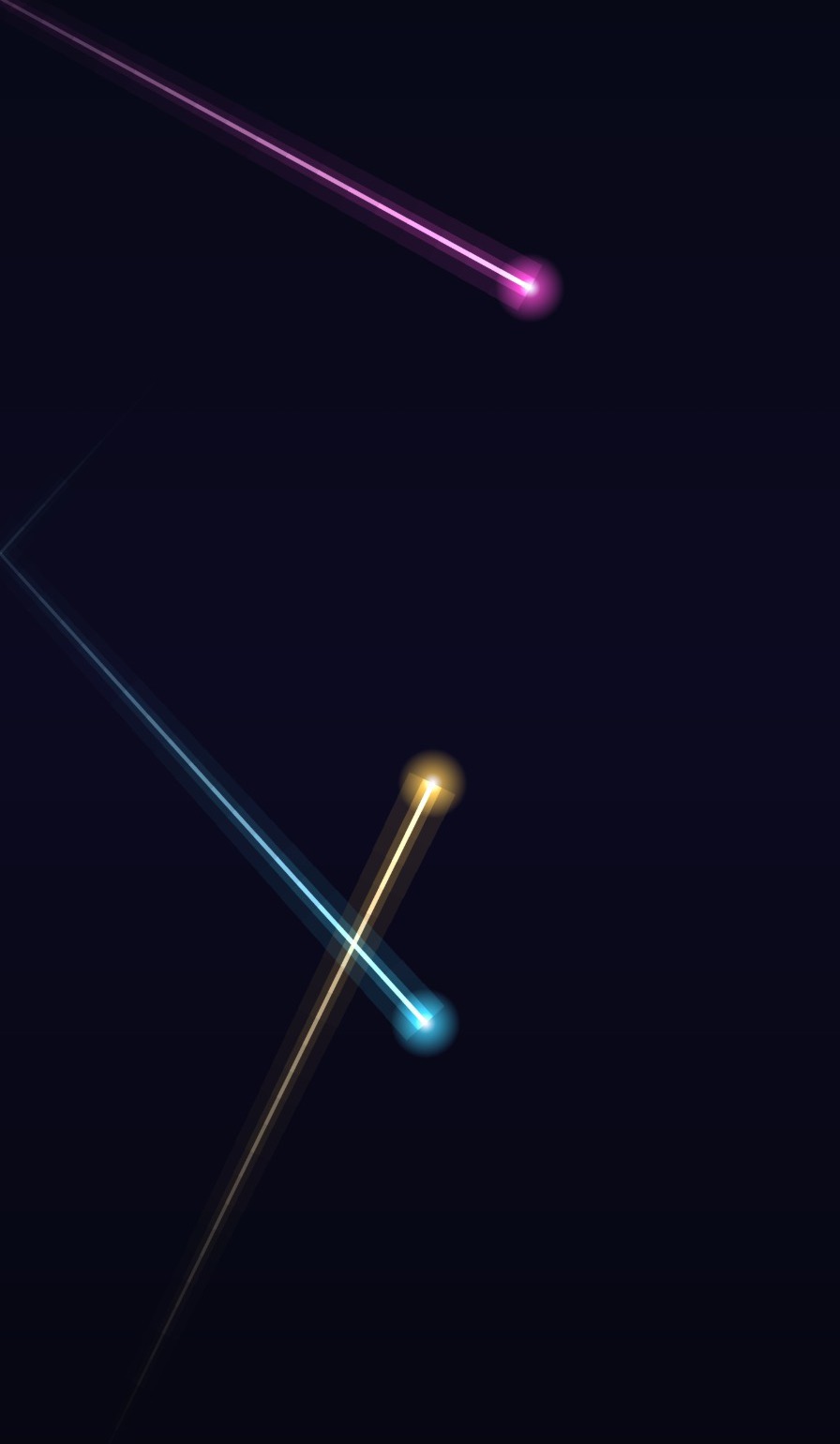
Glowing beams bounce off the edges. Tap to steer one; set colour, glow, count and speed.
Fireflies glow over the scene you choose after dusk and gather around your finger; sunlit dust drifts through it by day.
Rake patterns into the sand with your finger and watch them slowly settle.
The real night sky above you right now. Tap to reveal the constellations.
Your actual weather, live: clouds, rain, snow, fog and storms over the scene you choose.
An orb, a skyline or flowing waves that pulse to whatever your phone is playing.
Your photo or a scene in 3D: the subject floats above the background and shifts as you tilt.
Spiritual scenes, landscapes, cities, festivals, anime, sci-fi, cars and fantasy, each moving from dawn to night with your clock. Use them in Time of Day, or behind Live Weather Sky, Water Ripple, Rain on Glass, Tilt Depth and Fireflies. Browse them all in the app's scene explorer and try any one before you choose.
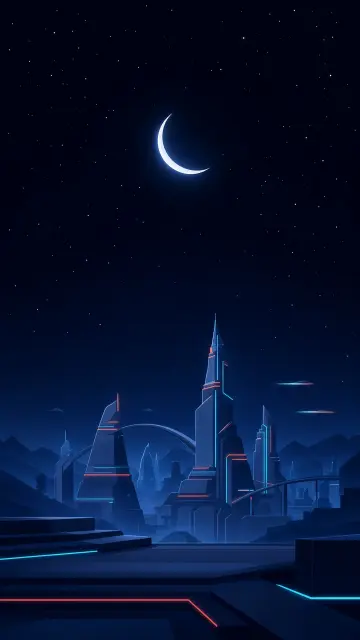

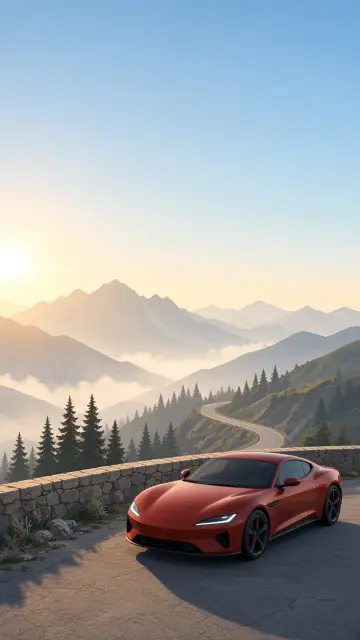


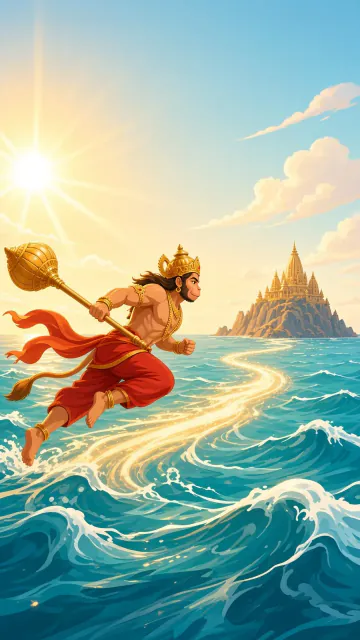
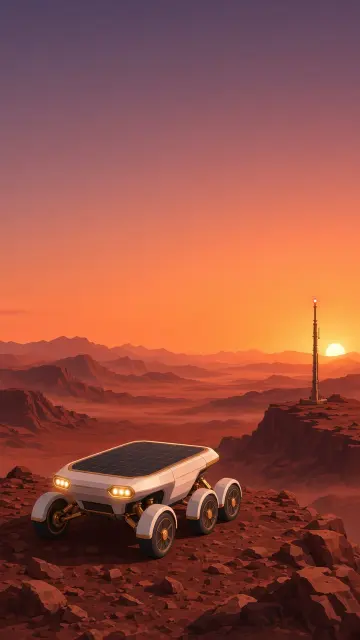




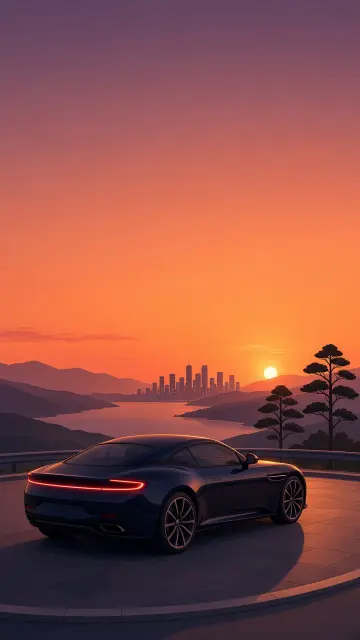


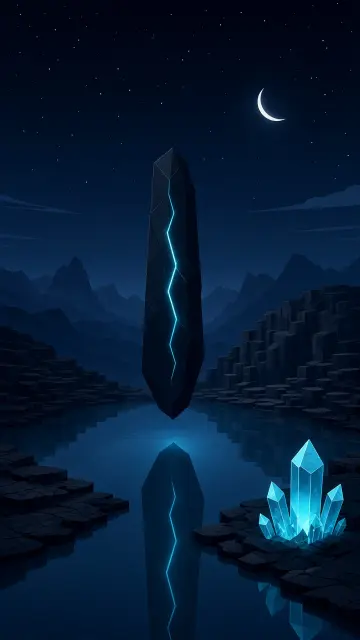
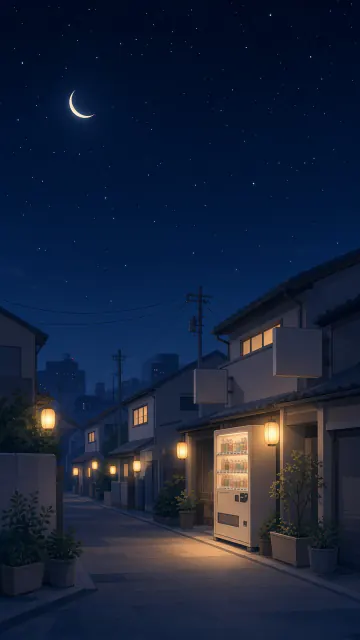
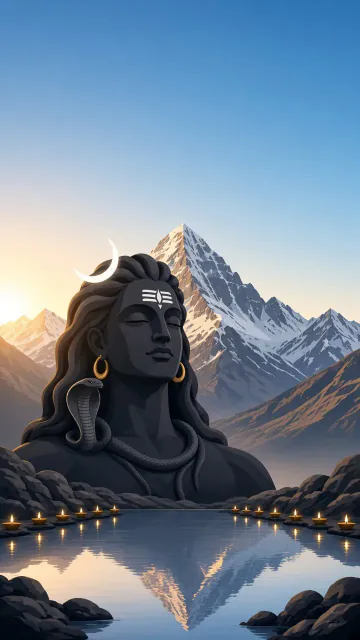



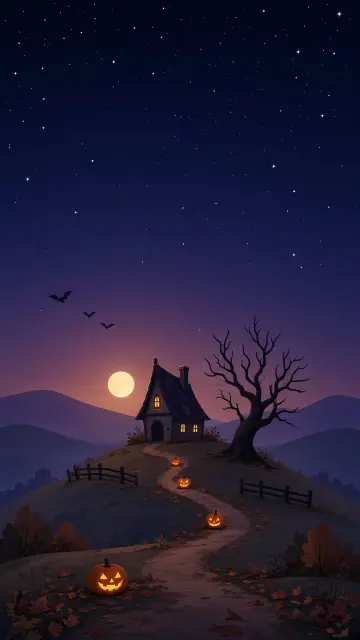






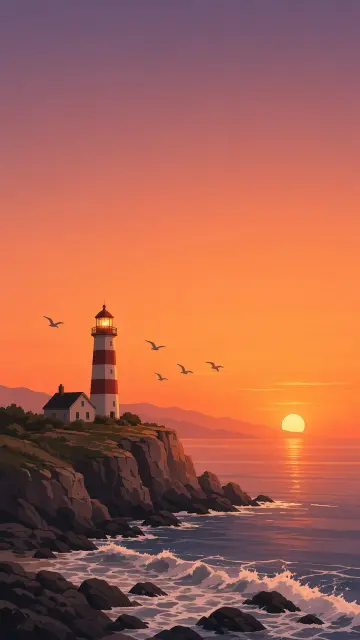



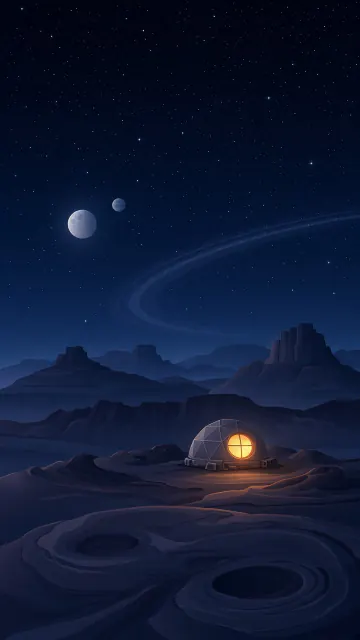
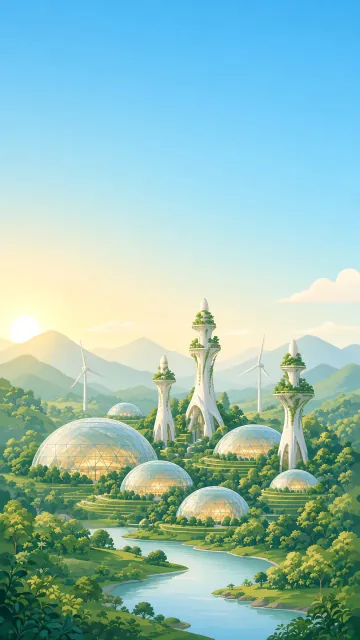
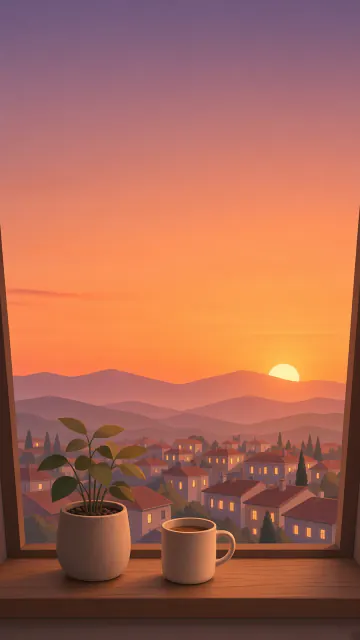
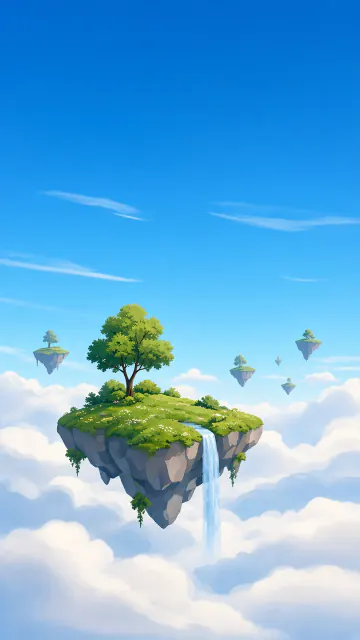

Ripples, pulses, rakes and beams that answer your finger on the home screen, not just in a preview.
Try every wallpaper and scene full screen first. Pay once only for the ones you want to keep.
wallpapers, free forever
premium wallpapers, bought individually
VibeFluid draws frames only while the wallpaper is visible and stops entirely when nothing is moving. Battery saver mode, on by default, also caps frame rates and renders effects at a lighter resolution. You can switch to Performance mode in Settings if you prefer maximum smoothness.
Android requires that permission for any app that reacts to the sound your phone plays. VibeFluid reads your phone's audio output, never the microphone, and nothing is recorded or sent anywhere. If you'd rather not grant it, Random mode dances to its own beat with no access needed.
Only Starfield and Live Weather Sky use it, to draw your sky and fetch your weather. It is optional, rounded to about 11 km and kept on your phone; without it the app uses your time zone. You can delete it any time in Settings.
Tap Explore scenes on the Time of Day card, or the scene button on Live Weather Sky, Water Ripple, Rain on Glass, Tilt Depth or Fireflies. Pick any scene to try it on the card; it downloads once and then works offline. New scenes, including festive ones, appear there without an app update.
Any phone running Android 8 or later. Some effects use Android 13's graphics features and fall back to a simpler look on older versions.
Open Settings → Restore purchases while signed in to the same Google account. Purchases are tied to your account, not your device.
VibeFluid is free on Google Play.